NSPanel Lovelace UI
NSPanel Lovelace UI brings Home Assistant entities, controls, and weather to the Nextion display inside a Sonoff NSPanel. EU and US models are supported, including US portrait and landscape layouts.
The NSPanel Lovelace UI Home Assistant add-on is the backend for new Home Assistant installations. It reads Home Assistant states, receives touch events, and sends display updates over MQTT or a compatible ESPHome event API. Configure panels through its web editor or panels.yaml; AppDaemon is not required.
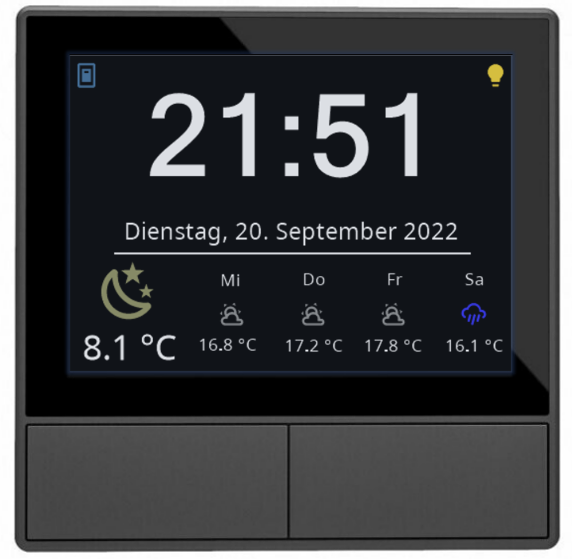
Get started
- Prepare your NSPanel: install the device firmware, Berry driver, and matching display firmware.
- Install the Home Assistant add-on.
- Connect MQTT and create your first panel.
- Use the web editor to add cards, entities, and a screensaver.
Already running AppDaemon or an older add-on configuration? Import your YAML and migrate.
What you can configure
- Entity lists and grids, lights and covers, climate, media, alarm, QR, power, and unlock cards.
- Screensaver entities, weather forecasts, status icons, clock formats, and brightness.
- Multiple panels, hidden cards, and navigation between pages.
- Visual editing, full YAML editing, import previews, export, and backups on save.
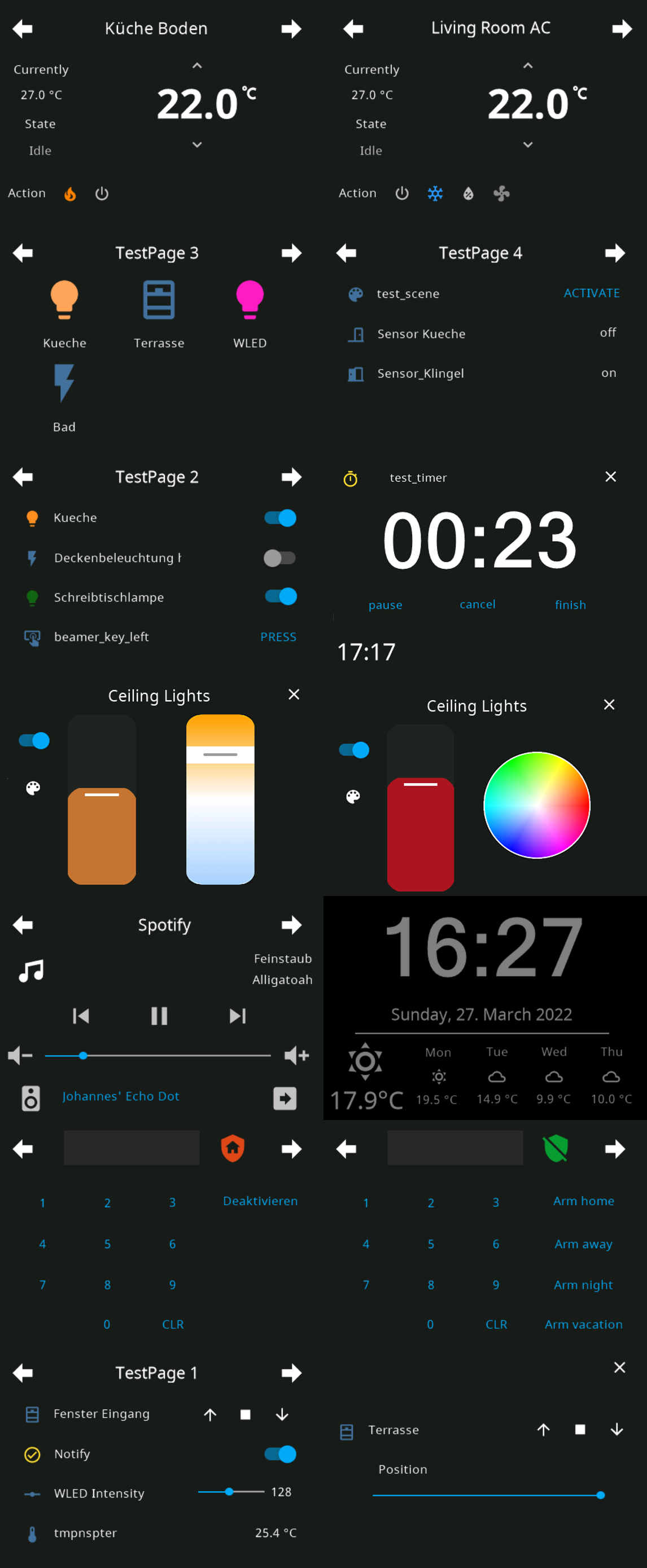
See the configuration reference, cards, and screensaver. The web editor is available in add-on versions that include it (4.7.92 onward); unreleased changes require a test-branch installation.
Requirements and other backends
For the add-on, use Home Assistant OS on amd64 or aarch64, an NSPanel with compatible display firmware, and an MQTT broker for the Tasmota path. Home Assistant Container users can run the standalone backend; the ingress editor requires Supervisor.
Existing AppDaemon installations have a separate legacy reference. ioBroker users should follow the ioBroker installation guide.